
Azimuth — AI-Powered Project Estimation & Proposal SaaS
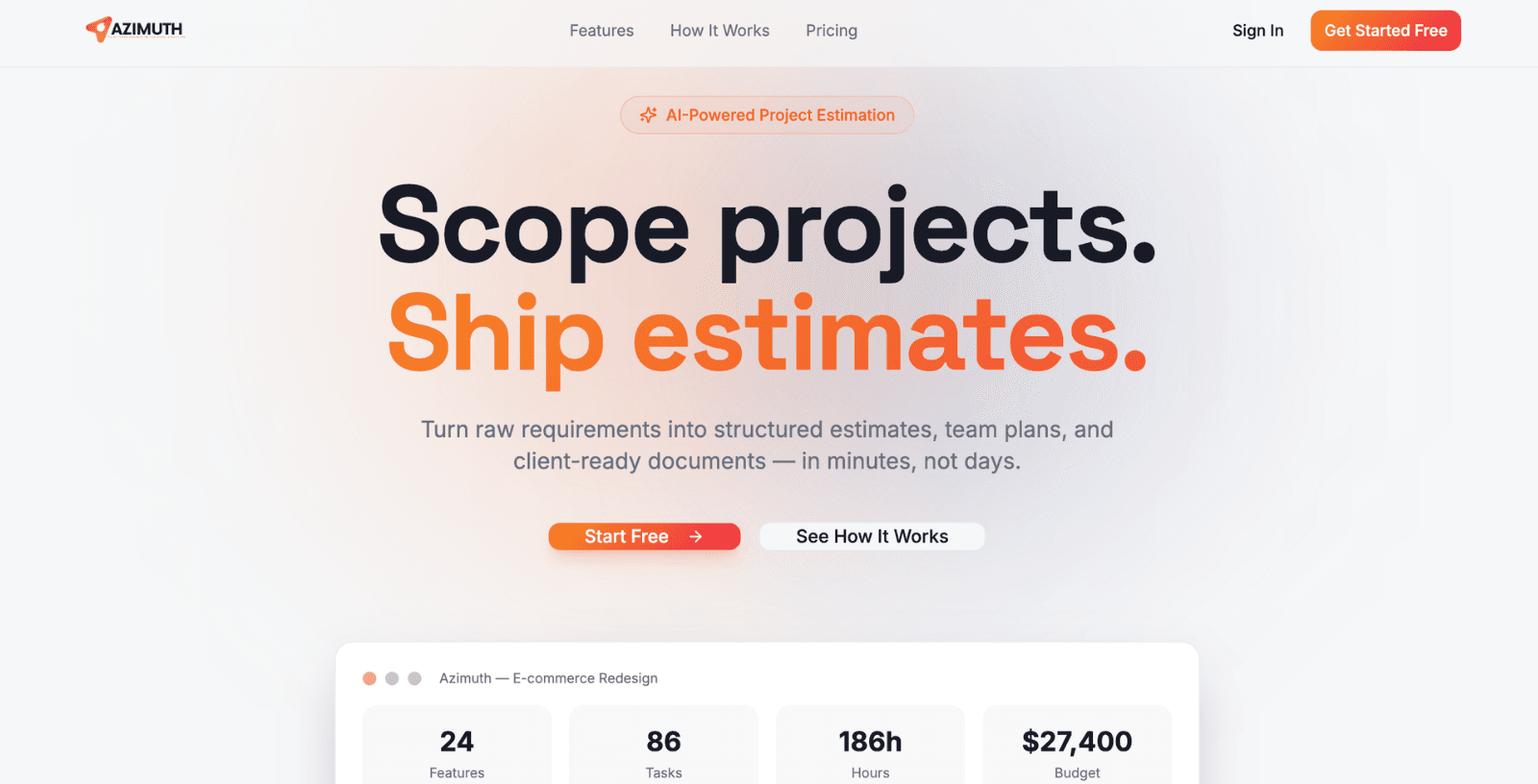
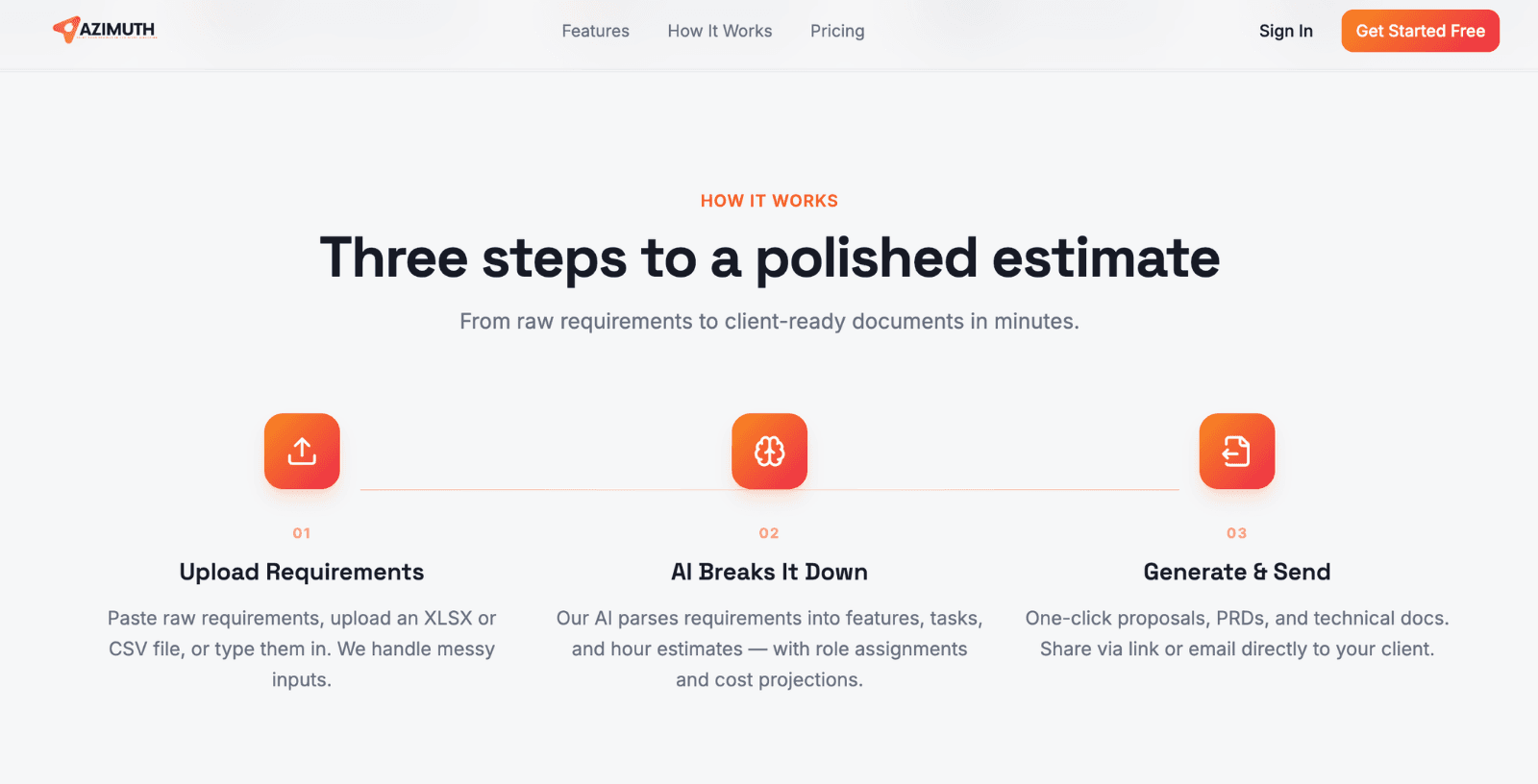
Built Azimuth — a full-stack AI-powered project estimation and proposal management SaaS for software agencies and freelancers. The platform transforms raw client requirements into structured feature breakdowns, hour estimates, role-based cost projections, PRDs, TRDs, and client-ready proposals — in minutes instead of days. Includes a built-in CRM pipeline, branded email delivery with open tracking, and shareable proposal links.
Client
Azimuth
Project Value
$70,000+
Rating
The Challenge
Software agencies and freelance development teams were spending 4–8 hours per proposal manually estimating project scope, writing requirements documents, building cost spreadsheets, and assembling client-facing proposals — generating no revenue and repeating from scratch for every new enquiry. Estimation accuracy was inconsistent across team members, there was no feedback loop to improve estimates from actuals, CRM data lived in separate tools, and proposals looked unprofessional because there was no time for design. Agencies needed a system that could absorb raw client requirements and produce proposal-ready output automatically.
The Goal
Design and ship a production-grade AI estimation SaaS with a three-step project wizard, AI-driven feature and task decomposition with role-based hour estimates, one-click document generation (PRD, TRD, Client Proposal), section-level editing with version history, a built-in Kanban CRM with pipeline analytics, branded email proposal delivery with open tracking, shareable document links, and an AI-vs-actuals feedback loop for continuous model improvement.
Solution & Implementation
1Analysis
Conducted discovery sessions with agency founders, project managers, and senior developers across five software agencies to map the full sales and scoping lifecycle. Identified five compounding problems: estimation inconsistency (junior staff underestimate; senior staff are too busy to scope properly), document assembly taking 4–8 hours per deal, no CRM integration requiring data re-entry between tools, unprofessional proposal presentation losing deals to design-forward competitors, and no learning mechanism meaning the same estimation mistakes repeated indefinitely.
2Designing Solution
Selected React 18 with TypeScript and Vite as the frontend foundation. Space Grotesk and Inter establish a modern, professional brand identity suited to agency and tech-forward audiences. The backend is Supabase (PostgreSQL with RLS, Auth, Storage, Edge Functions) with Anthropic Claude powering all estimation, document generation, and section editing operations. Resend API handles transactional email delivery with customisable branded templates. The database schema separates projects, modules, features, tasks, team roles, documents, document sections, and version history into normalised tables — enabling granular editing and version rollback without full document regeneration.
3Customizing Business Logic
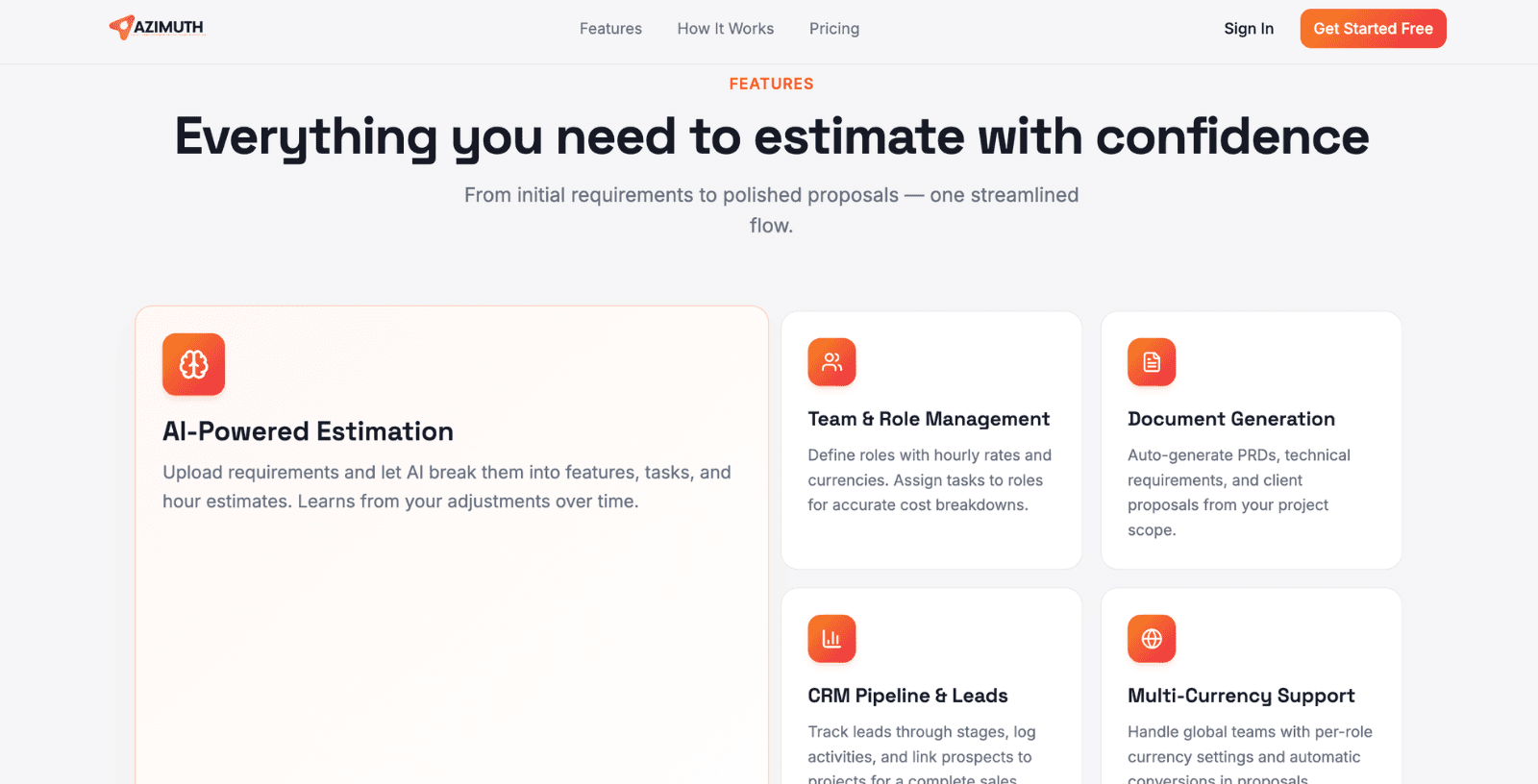
The three-step project wizard guides users through Project Details, Team Role configuration (Designer, Developer, PM, QA — each with hourly rates and currency), and Requirements input (paste raw text, upload XLSX/CSV, or type directly). The AI estimation engine parses requirements into a module-feature-task hierarchy with hour estimates per role — users override any estimate at the task level, with adjustments tracked in a training feedback table for model refinement. Document generation produces PRD, TRD, and Client Proposal content via Claude with section-level editing — each section can be independently regenerated or manually rewritten, with every save creating a versioned snapshot. Proposals are delivered via one-click email with three branded template themes (Branded, Minimal, Bold), attached PDF and Excel documents, and open tracking via pixel.
4Scale & Optimize
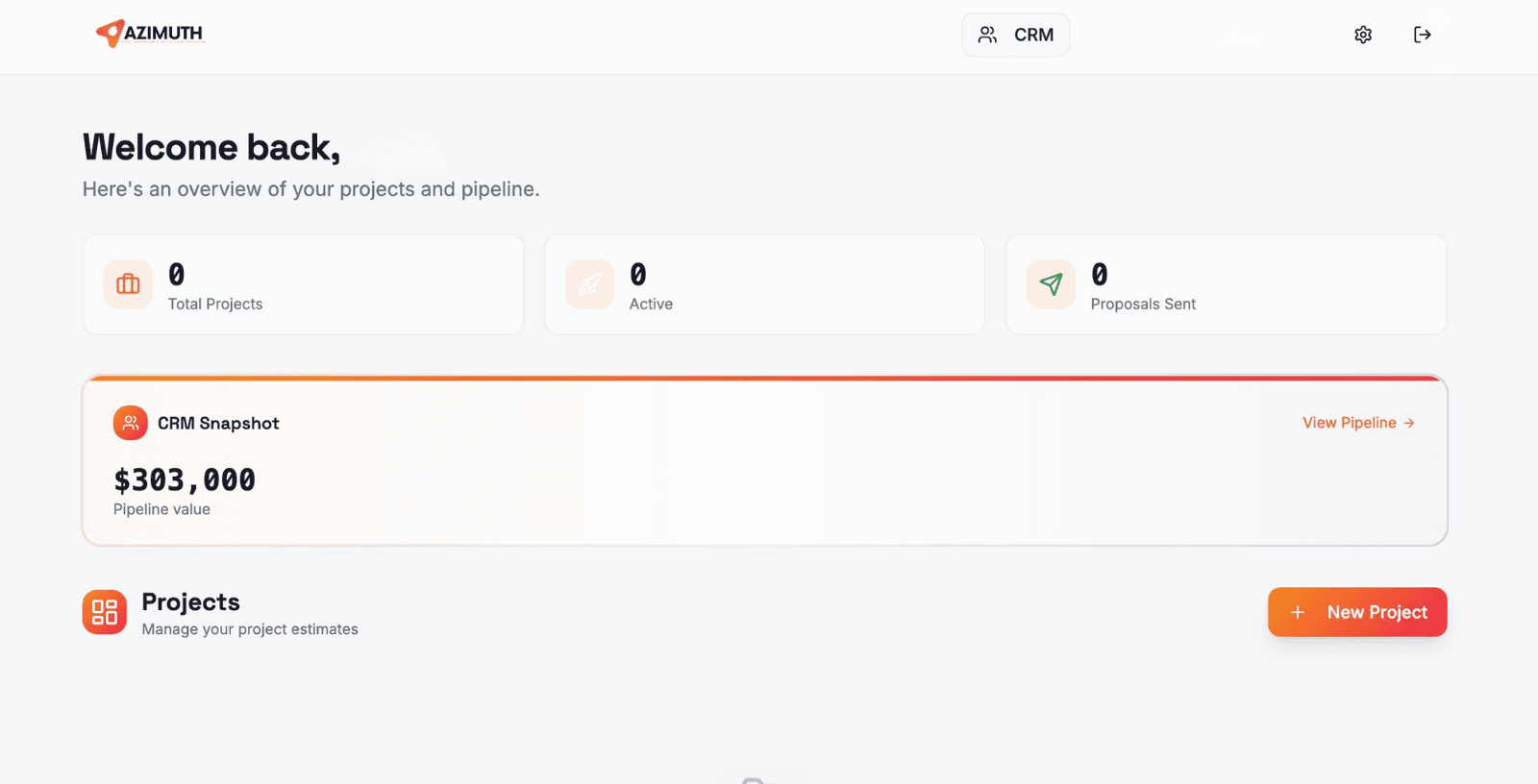
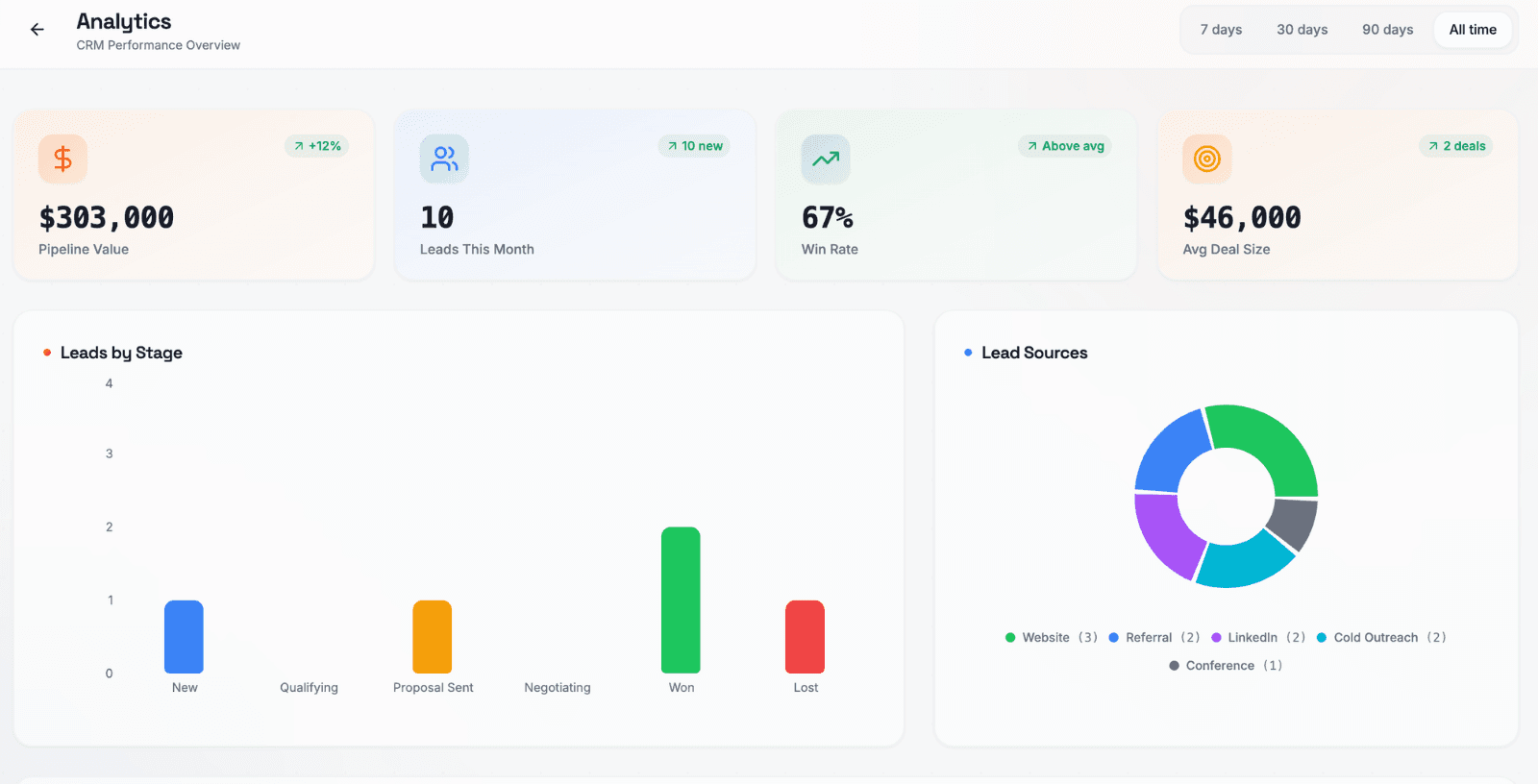
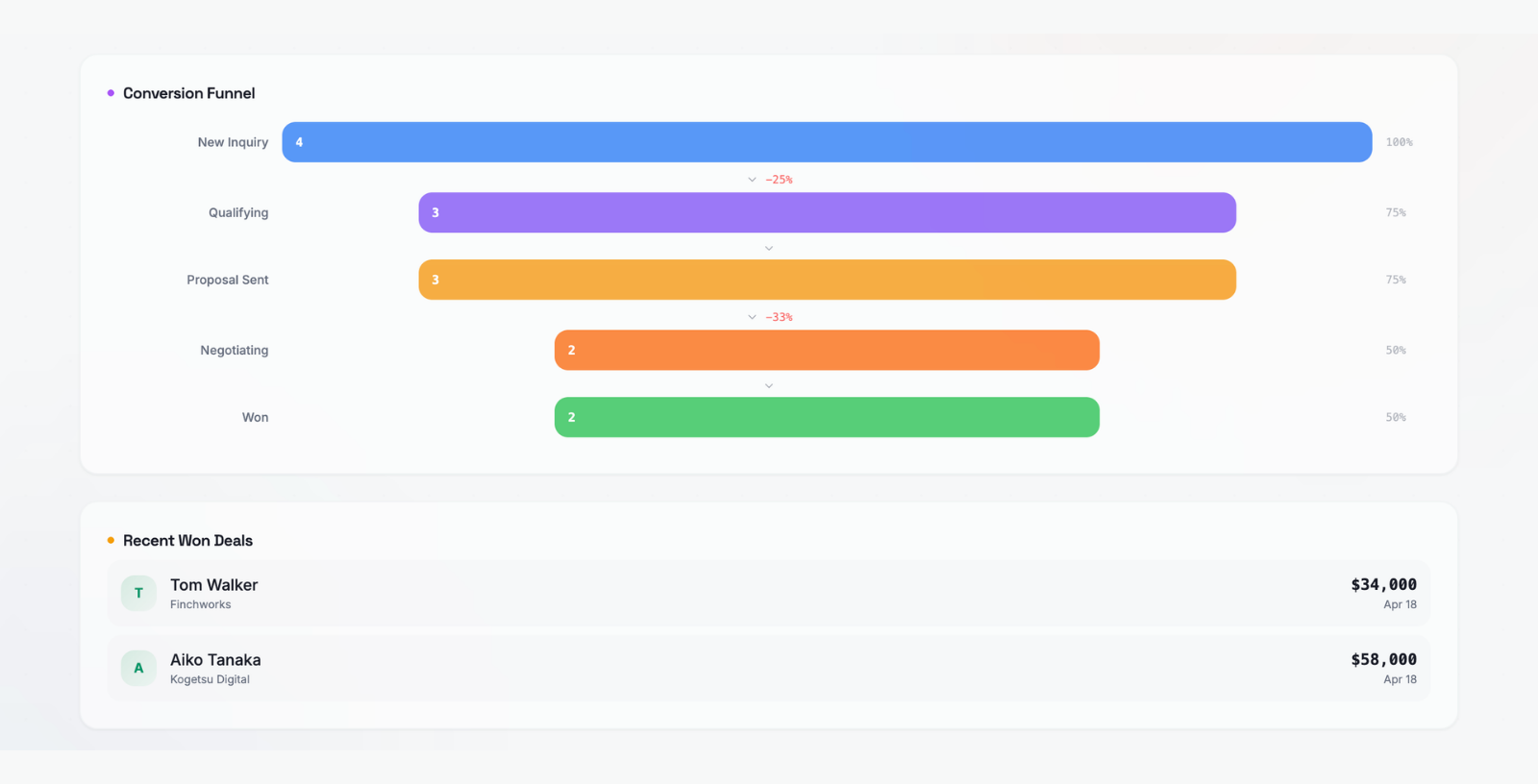
The built-in CRM Kanban pipeline (New, Contacted, Qualified, Proposal Sent, Negotiation, Won, Lost) links directly to Azimuth projects — when a lead converts, the scoped and estimated project is already ready. Pipeline analytics surface total pipeline value, average deal size, win rate, stage distribution, and weighted revenue forecast. The AI training feedback loop captures estimated vs. actual hours per task post-project — this data trains future estimation calls to narrow the accuracy gap over time. Export options cover PDF and DOCX for documents, Excel for full task/role/cost breakdowns, and expiring shareable links for browser-viewable client proposals.
Results & Impact
Proposal Time Saved
Documents Generated
CRM Pipeline Stages
Email Open Tracking
AI Estimation
AI estimation engine parses raw requirements into module-feature-task hierarchies with per-role hour estimates — replacing 4–8 hours of manual scoping with a 5-minute AI pass
One-click document generation for PRD, TRD, and Client Proposal via Anthropic Claude — section-level editing with version history and full rollback capability
Branded proposal email delivery via Resend with three template themes, attached PDF/Excel, and real-time open tracking — agencies know the moment clients read proposals
Built-in Kanban CRM with 7 pipeline stages, lead-to-project linking, activity timeline, follow-up reminders, and weighted revenue forecasting
AI training feedback loop captures estimated vs. actual hours per task — estimation accuracy compounds with every completed project
Expiring shareable document links allow clients to view proposals in-browser without email — ideal for async review and approval workflows
Three-step project wizard handles messy input formats — paste raw requirements, upload XLSX/CSV, or type directly; AI normalises all formats into a structured scope
PostgreSQL RLS ensures agency data isolation — each agency account can only access its own projects, leads, documents, and team configurations
Key Technologies
Project Gallery
"Azimuth cut our proposal time from a full day to under an hour. We paste the client brief, the AI breaks it into tasks, we tweak a few estimates, hit generate, and the PRD and proposal are ready. Our win rate improved because our proposals now look more professional than anything we produced manually."
Azimuth
Azimuth
Want similar results for your business?
We build the same for teams like yours — fixed scope, fixed price, senior engineers only.
Technical Approach
Azimuth's estimation engine sends the user's raw project requirements to Claude via the Anthropic Messages API with a structured system prompt that instructs the model to decompose requirements into a module-feature-task hierarchy with hour estimates per configured team role. The system prompt encodes the project context (tech stack, team roles, hourly rates), the user's custom estimation preferences (complexity multipliers, risk buffers), and a JSON schema for the output — ensuring the model returns a parseable estimation structure rather than prose. If the model returns a malformed response, a retry with a simplified prompt and explicit JSON example is attempted before surfacing an error to the user. Each estimation call's input token count, output token count, and model version are logged to the estimation_usage table for cost tracking and for the training feedback loop.
The AI training feedback loop is the platform's compound-accuracy mechanism: when a project is completed, the agency marks actual hours per task against the original estimate. The delta (estimated hours minus actual hours) is written to a training_feedback table keyed by task description hash, technology tag, and complexity label. On subsequent estimation requests with similar task descriptions or technology combinations, the estimation prompt is augmented with relevant historical accuracy data — allowing the model to progressively narrow estimation error for agency-specific work patterns without requiring model fine-tuning.
Document generation uses a section-based architecture: each document (PRD, TRD, Client Proposal) is defined as an ordered list of section templates, and each section is generated independently via a separate Claude API call with the section's purpose, the project scope as context, and the previously generated preceding sections for continuity. This section-by-section approach allows users to regenerate any individual section without invalidating adjacent sections, and stores each generated section as a versioned snapshot — so a user can roll back a regenerated section to any previous version. The Resend API handles proposal email delivery with three branded HTML templates, and a tracking pixel inserted in the email footer triggers an open event webhook when the email client loads images.
Frequently Asked Questions
About Ortem Technologies
Ortem Technologies is a premier custom software, mobile app, and AI development company. We serve enterprise and startup clients across the USA, UK, Australia, Canada, and the Middle East. Our cross-industry expertise spans fintech, healthcare, and logistics, enabling us to deliver scalable, secure, and innovative digital solutions worldwide.
Related Case Studies
Regional Nonprofit Consortium (NDA)
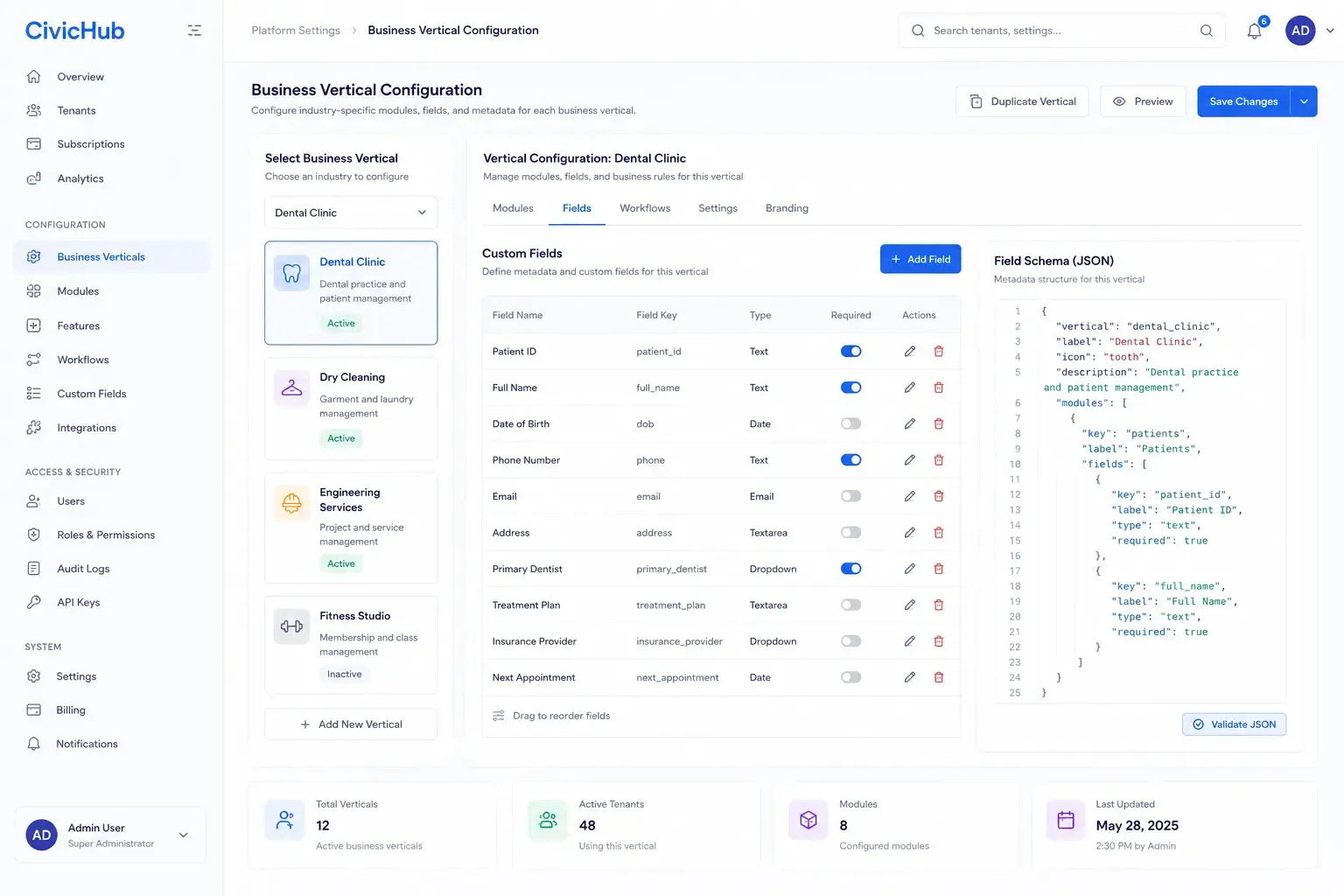
CivicHub — Unified Identity & Multi-Tenant Platform for a Regional Nonprofit Consortium
Location-Based Retail Marketplace Startup (NDA, Australia)
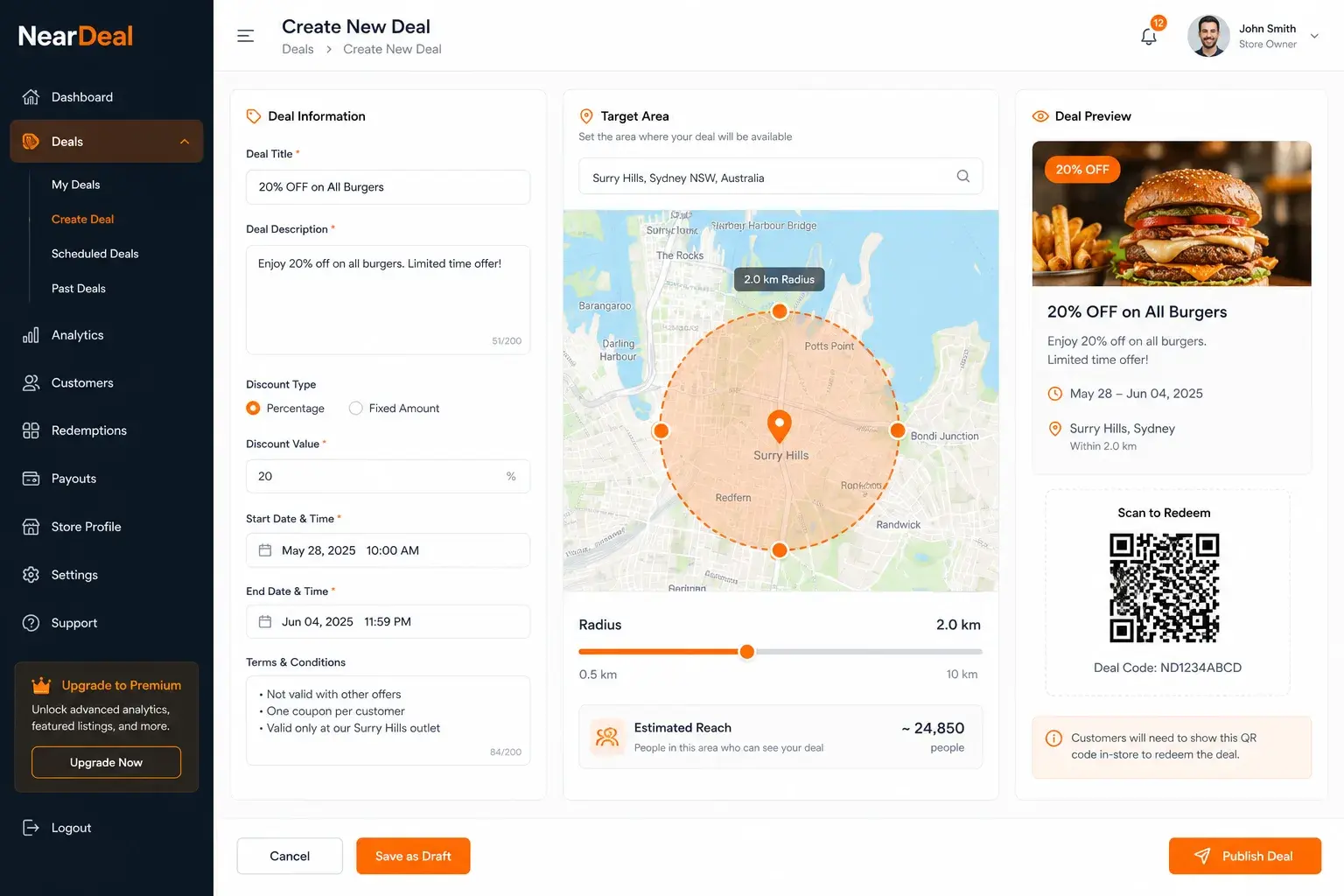
NearDeal — Real-Time Geofenced Deals Marketplace for Local Retail
Ready to Build Something Like This?
We've built saas & agency tools solutions like this for teams across the US, UK, and Middle East. Fixed scope. Fixed price. Senior engineers from day one.
Free 30-minute scoping call — no commitment, no sales pitch.